
When your systems howl, you hear it first.
Detect outages, reach the right person, coordinate the response, and keep customers informed — from one connected workflow.
One monitor, ninety days of uptime behind it, and the response time that tells you something is wrong before the page goes down.
One workflow from detection to a clear customer update.
HowlOps connects monitoring, alerting, incident response, and status communication. Use the parts you need; the data stays linked throughout.
Monitoring
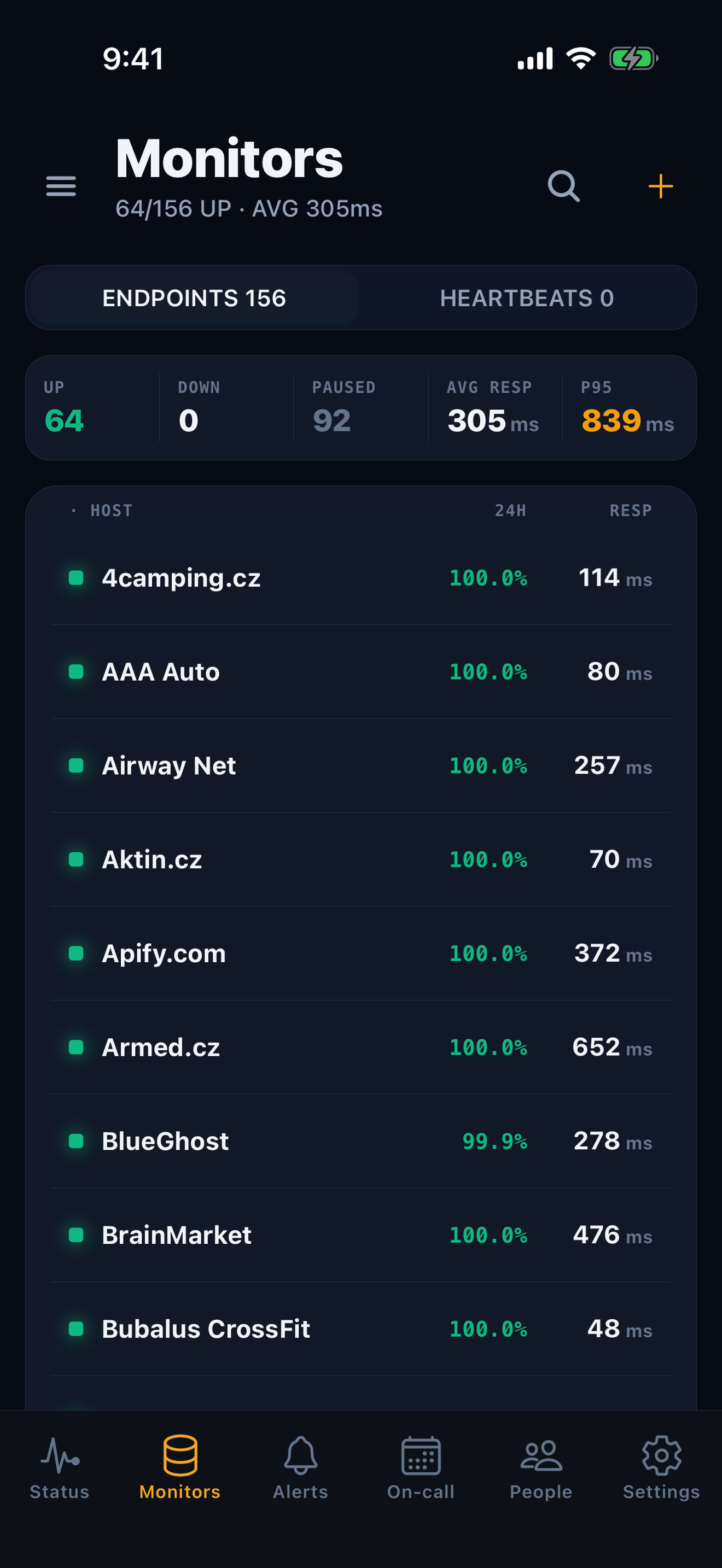
Check HTTP/S, ping, TCP, and DNS targets, plus scheduled jobs through heartbeats. Add regions and response validation when you need them.
Alerting & on-call
Route by source, tag, or severity. Page a channel, person, schedule, or team through ordered escalation steps.
Incident response
Acknowledge alerts, promote what matters to an incident, coordinate on a timeline, and draft a postmortem from recorded evidence.
Status communication
Publish live component health, maintenance, incident updates, and public postmortems from the same operational data.
See what happens after a signal arrives.
Choose a source. The first checks change, but routing, paging, response, and recovery stay connected.
Signal
A probe reports that the configured target failed.
Confirm
Retries, thresholds, and optional regional rules confirm the condition before opening an alert.
Route
Routing rules select a policy; without one, enabled channels receive the alert.
Reach
The policy pages its current target and continues only while the alert is unacknowledged.
Respond
Acknowledge, coordinate, and publish updates. Recovery resolves the alert and sends the all-clear.
Respond where you already work.
Choose a surface to see the real incident actions available there. The interface changes; ownership, escalation, timeline, and resolution stay connected.
See the incident
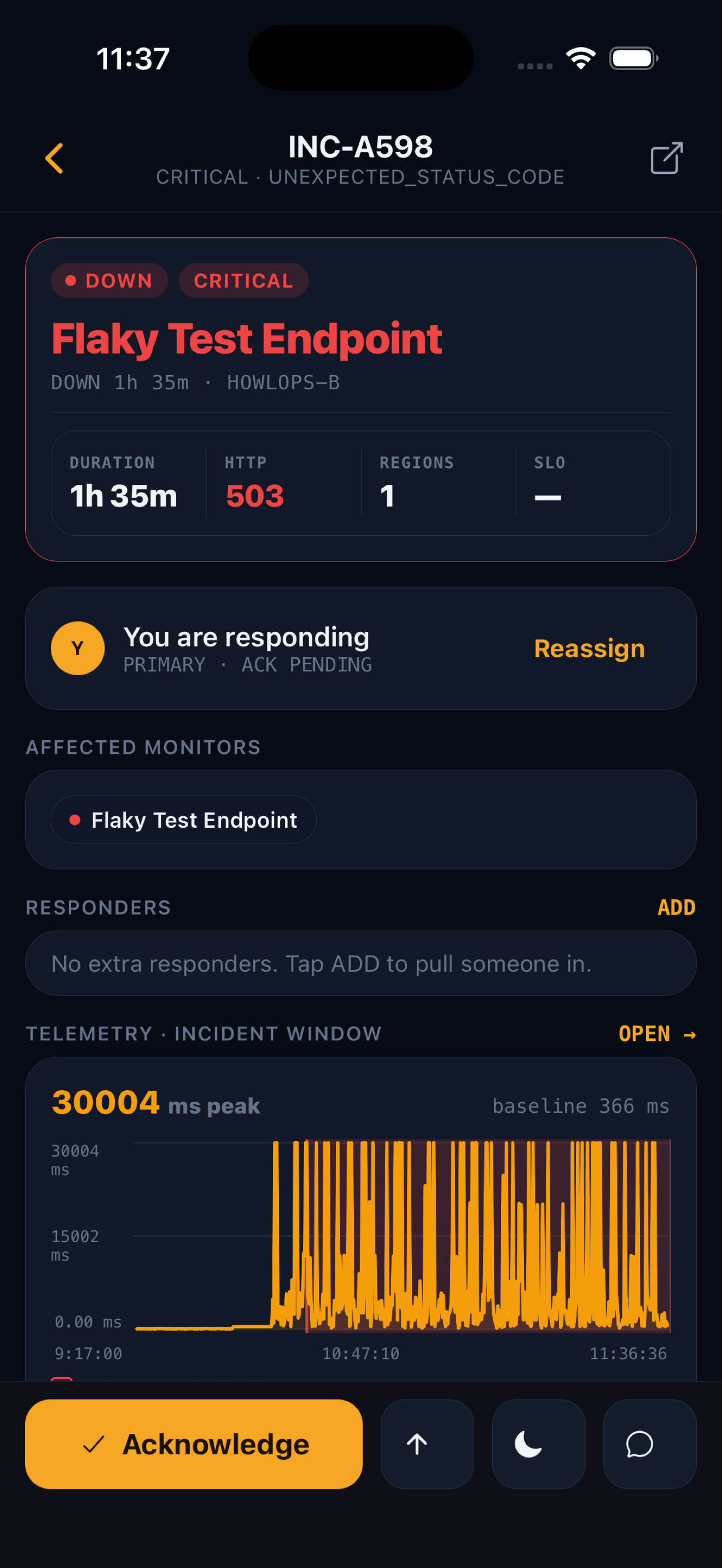
Open the incident to see its source, severity, routing result, failure evidence, and live timeline.
alert → incident detailTake ownership
Acknowledge to stop escalation, then assign or change the commander and resolver without losing context.
Acknowledge · Assign rolesCoordinate
Investigate telemetry or the source payload, move the lifecycle forward, add notes, and publish updates when needed.
Update · lifecycle · war roomResolve and learn
Resolve through the canonical close flow, notify the same response path, and continue into the recorded postmortem.
Resolve · PostmortemPreview your migration before you change anything.
Connect a read-only source, review the proposed monitors and dependencies, then choose what to import. The preview does not change the source account, and nothing is created until you confirm.
Preview-first imports
- UptimeRobot
- Better Stack
- Pingdom
- Opsgenie
- PagerDuty
- Jira Service Management
Available in onboarding for UptimeRobot, Better Stack, Pingdom, Opsgenie, PagerDuty and Jira Service Management. Import scope and provider limitations are shown before confirmation.
Two Czech vantage points, close to your users
Choose Czechia during multi-region setup. The setup flow shows the monitoring locations currently available to your workspace.
On-call, in your pocket
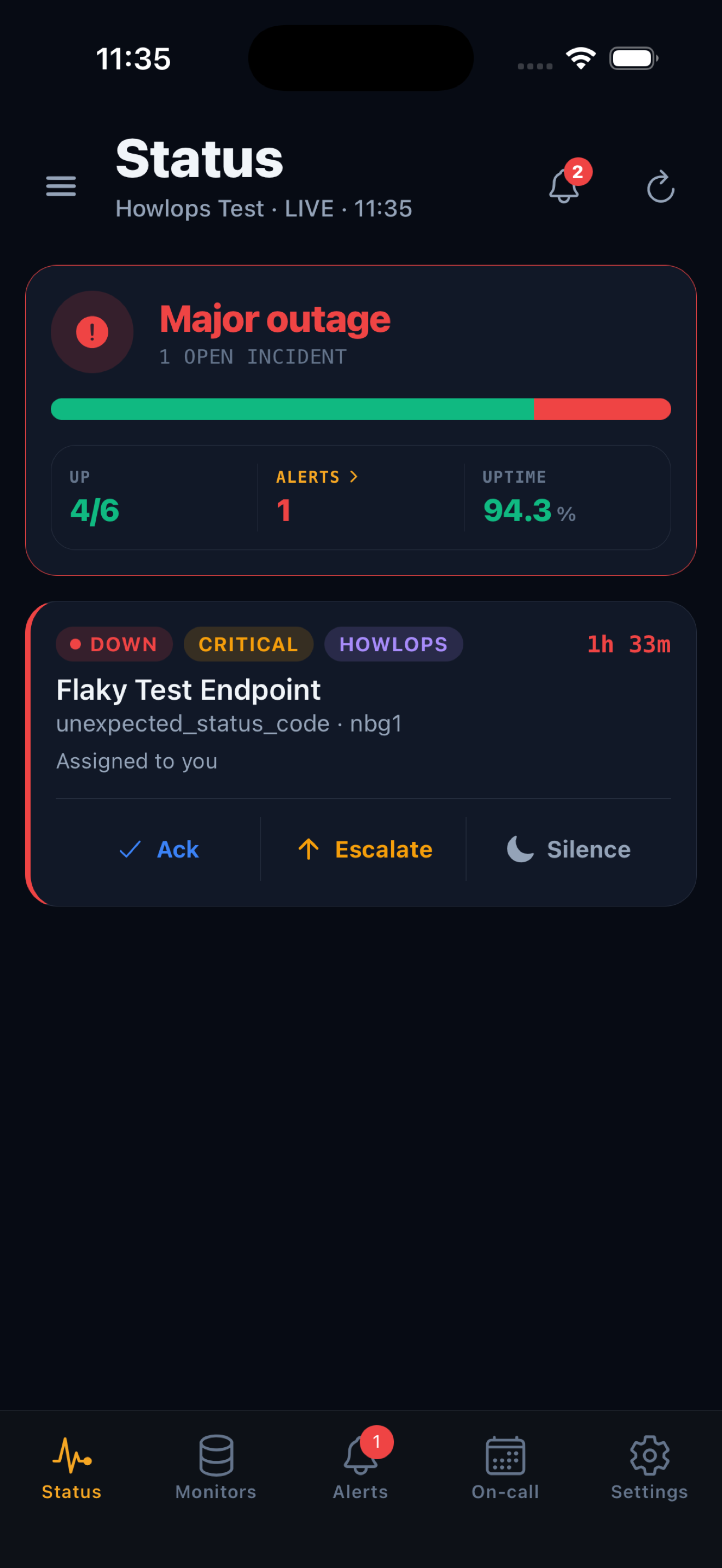
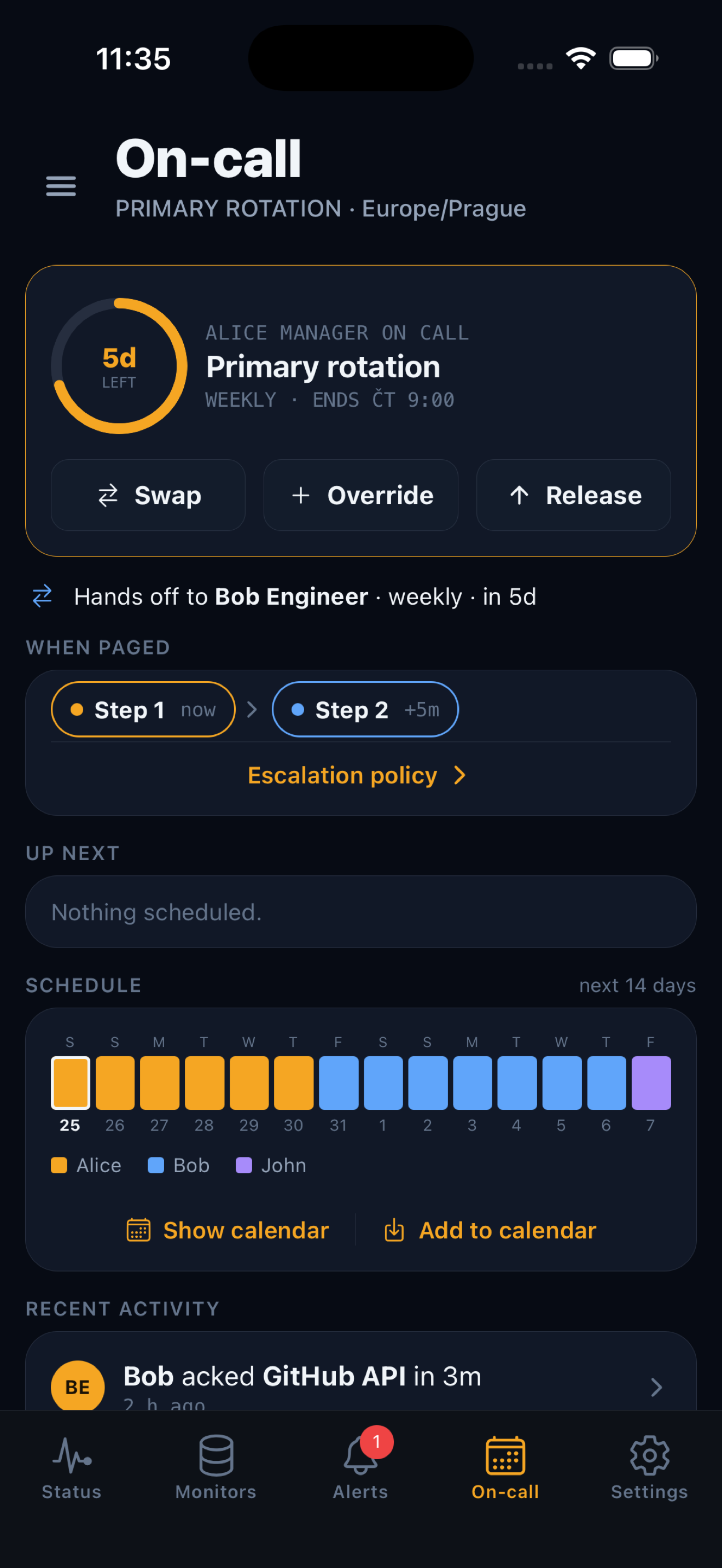
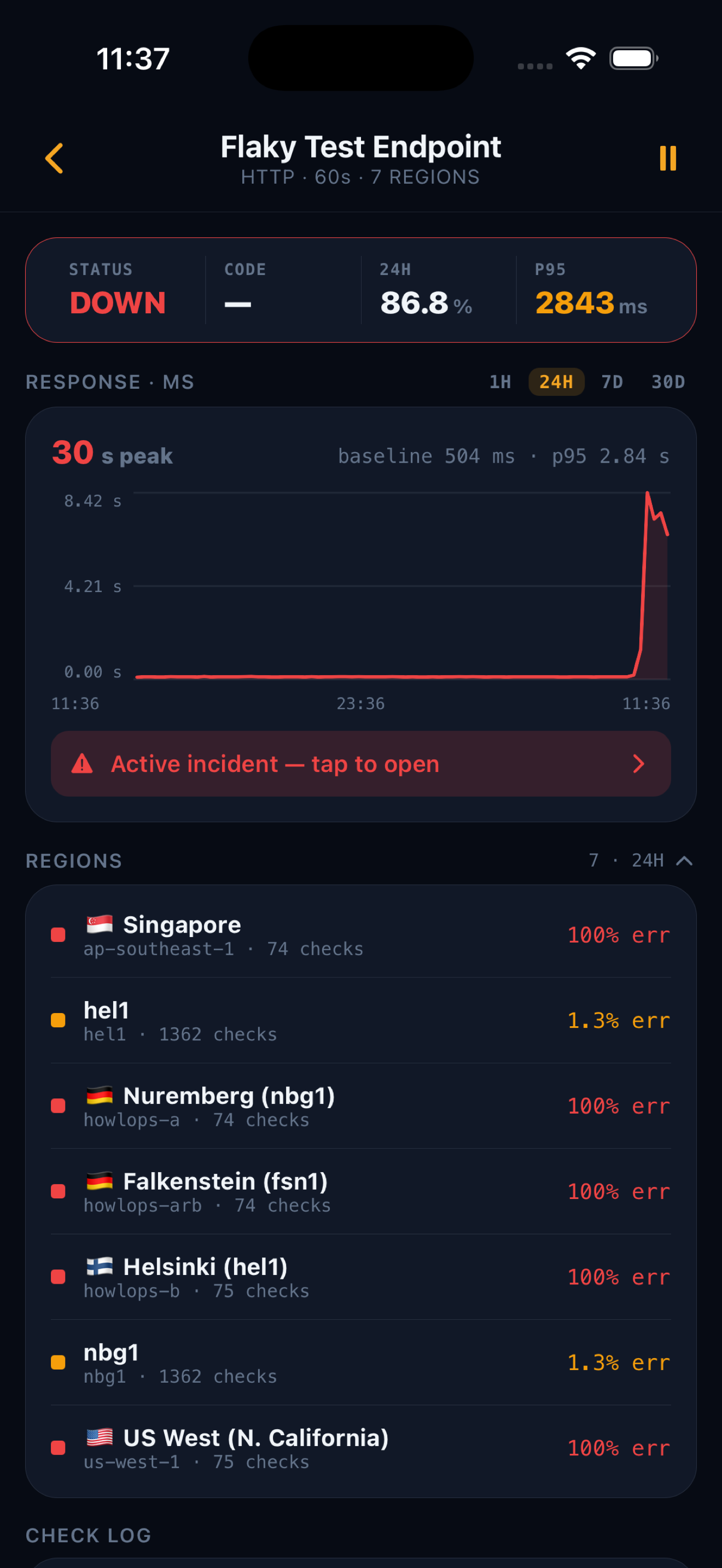
- Respond from anywhereSee who's on rotation and acknowledge, escalate or silence an incident straight from your phone.
- Critical alerts that break throughWhere supported and enabled, a real outage can break through silent or Do Not Disturb with a sound you choose.
- On-call schedulingManage rotations and hand-offs, with calendar sync so you always know when you are up.
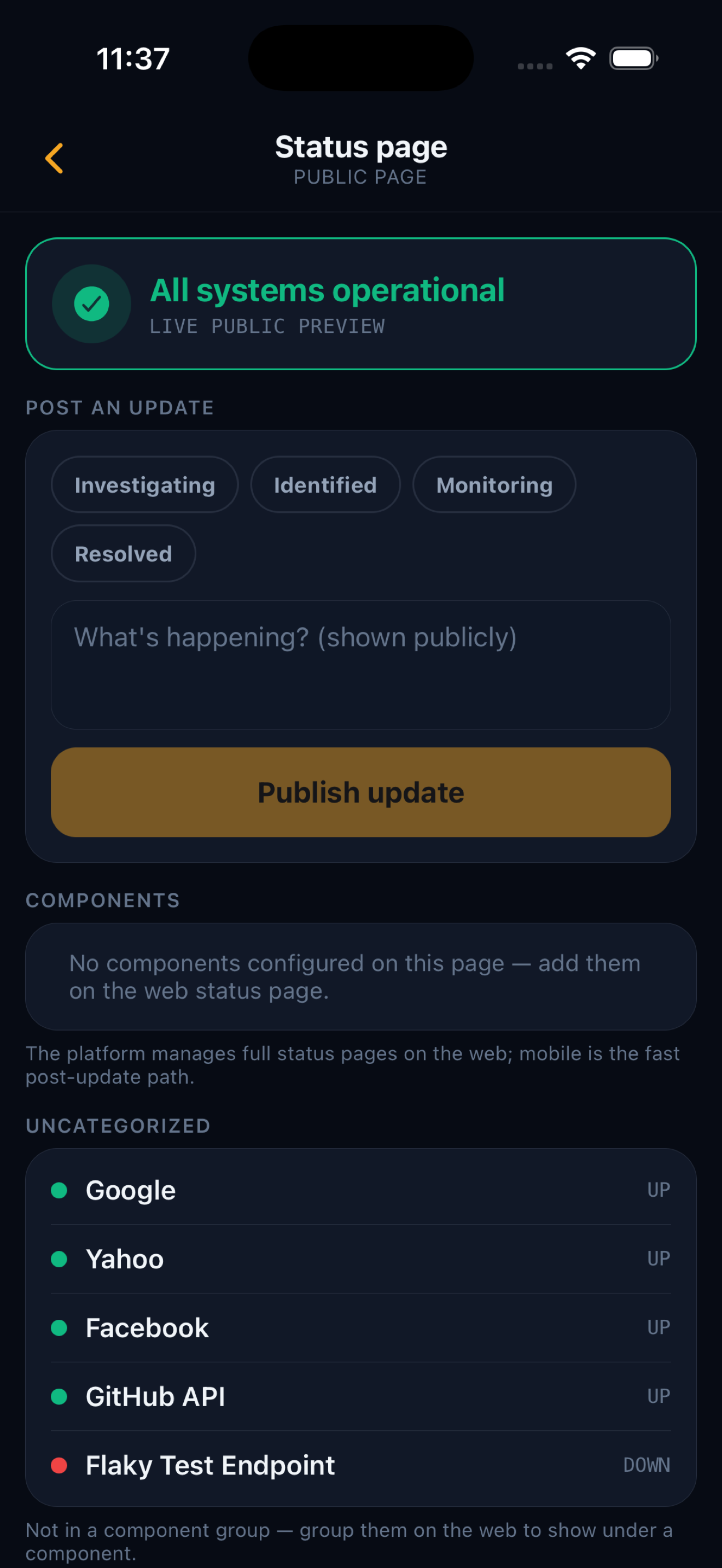
- Update your status pagePost an incident update or flip a component's status for your customers, on the go.

Know what broke. Reach who can fix it.
Start with monitoring for free, then add on-call and customer communication as your team grows.